 ☰
☰How to Enable and Trigger Device System Updates via OMS API
Audience: Third‑party platform integrators / developers
Objective: Remotely enable/disable “System Update” on Optoma-managed devices, and trigger a system update via OMS API.
Scope: Query status → Enable system update → Trigger update.
Prerequisites
· OMS Account & API Key (OMS Portal → System Settings → API).
· Target Device(s) already paired to your OMS tenant.
· Base URL: Your OMS API gateway base (e.g., https://oms-apiservice.optoma.com/)
· Auth: API key via header x-api-key: <your_key>.
· DeviceId: Device UUID used in path: {deviceId}.
· Mocking (optional): Use x-mock: true to validate request/response without touching real devices.
High-level Flow
Query current system-update status (optional but recommended)
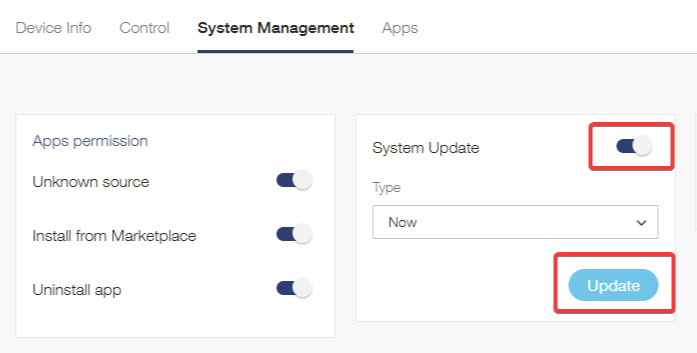
Enable system-update (must be enabled before trigger).
Trigger system-update.
API Details & Examples
Summary
Recommended Integration Notes
Always enable before trigger: Call POST /system-update { enabled:true } then trigger.
Polling strategy: After trigger, poll GET /system-update every N seconds until you see completion/failure (actual completion fields depend on your backend’s 200 response payload).
Unsupported devices: Handle 422 Device does not support gracefully (feature gating by model/firmware).
Mock first: Use x-mock:true during development to validate request wiring.